A different route for your connection
Encrypt traffic between your device and a VPN server. Covered websites see the server's public IP rather than your usual public IP.
Learn moreYOUR CONNECTION. YOUR NEXT STEP.
A VPN connection and a private browser, together on your phone. Understand what is protected, what stays on your device, and how to take control.


Free to download. Access, subscriptions and offers vary by platform and region; check the store and app.
Explore the private browser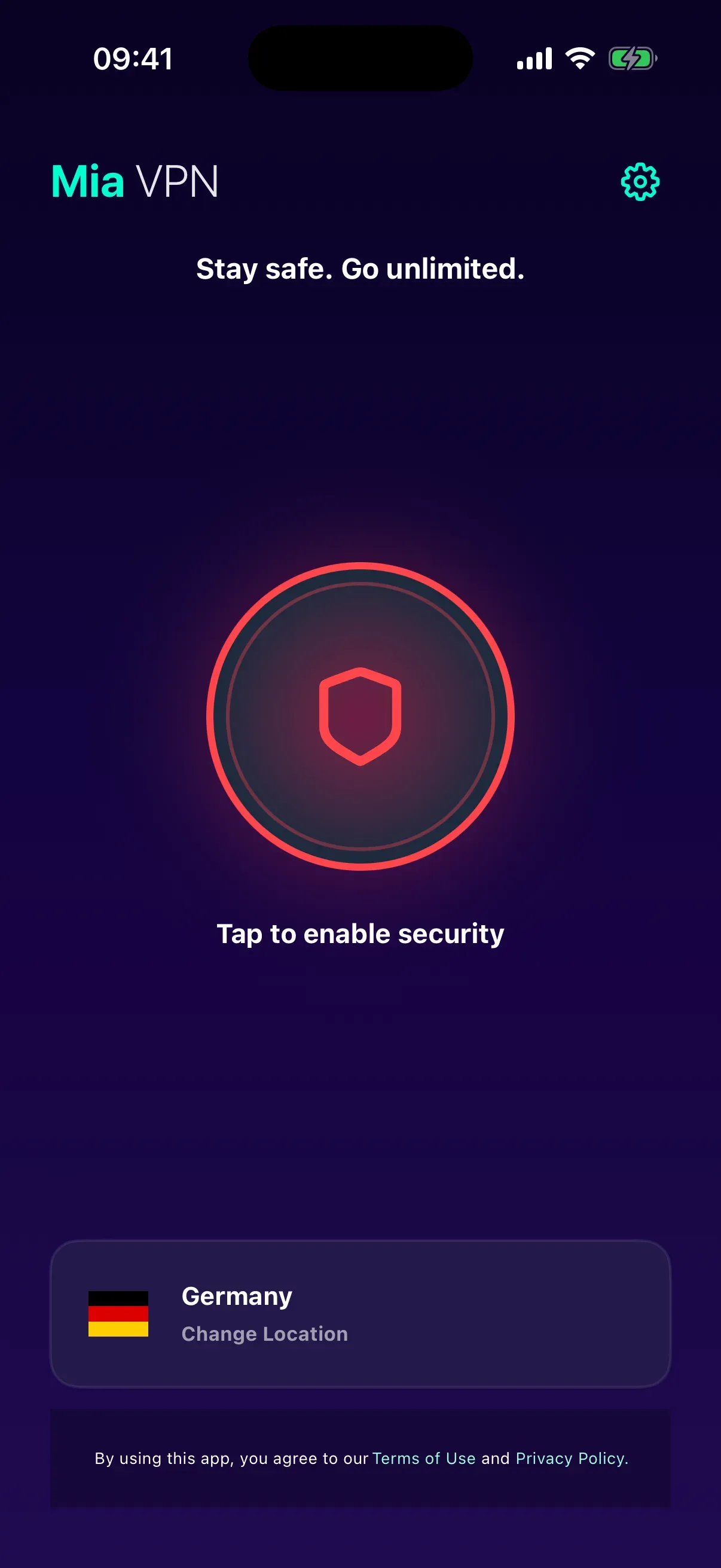
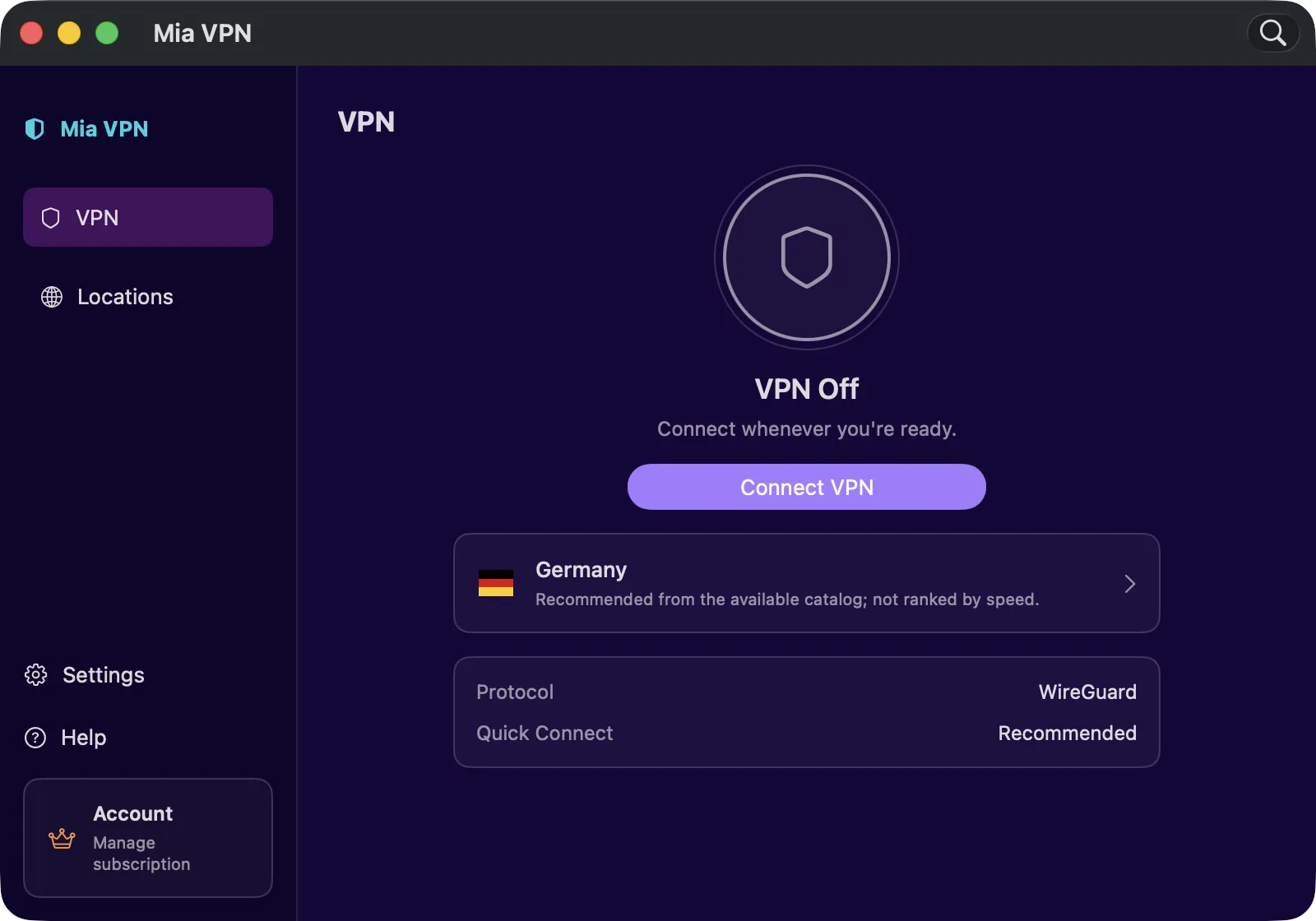
MIA VPN / macOS
WireGuard VPN controls, favorite locations and a menu-bar companion. A native Mac app that fits your desktop.
Explore Mia VPN for MacVPN access requires a subscription. Check availability and current offers in the App Store.
Encrypt traffic between your device and a VPN server. Covered websites see the server's public IP rather than your usual public IP.
Learn moreOpen the browser inside Mia VPN. Learn how session cleanup works and what it cannot erase outside the app.
Learn moreSee who publishes Mia VPN, how technical data is handled, and what a VPN can and cannot protect.
Learn moreInstall Mia VPN from the official Android download page or iPhone download page. Open the app, choose an available location, and follow your device’s VPN permission prompt before connecting. You can begin without creating a Mia VPN user account; your app store may require its usual account.
The app is free to download. Access, subscription offers and available features depend on the platform and region. Review the plans and access guide and the offer shown in your app before purchasing. This website does not publish a standalone APK or a desktop installer.
A VPN protects traffic between your phone and its VPN server. Temporary browser sessions address a different concern: the history and website storage left inside the browser. Learn about the private browser, how to end a session, and what local cleanup cannot remove from websites, downloads or other apps.
These protections have limits. Signing into a website identifies you to that service. Cookies, device signals and information you share can still expose you. A VPN does not replace HTTPS, device updates, strong passwords or multifactor authentication.
Check your observed public IP before and after connecting. A different result indicates a different route for that browser request; it does not prove that every app or DNS request uses the tunnel. Our VPN and HTTPS illustration explains the different layers without sending your sample data anywhere.
Read the privacy policy and transparency page for information about the publisher, technical data and service boundaries.
It is free to download. Android and iPhone access rules, subscriptions and in-app offers can differ. Current terms appear in the store and app; there is no universal promise of unlimited free access.
You can start without a Mia VPN login or email registration. The app still creates an installation/device identifier for service functions, and your device store may require an account. No registration does not mean no data processing.
Use Google Play or the App Store links on this website. Check the app name and publisher before installing. Files labeled “mod APK” or distributed by unofficial sites are not supported here.
For your computer, explore Mia VPN for Mac: a native WireGuard app with menu-bar controls. Mac VPN access requires a subscription. Windows and Linux downloads are not offered.